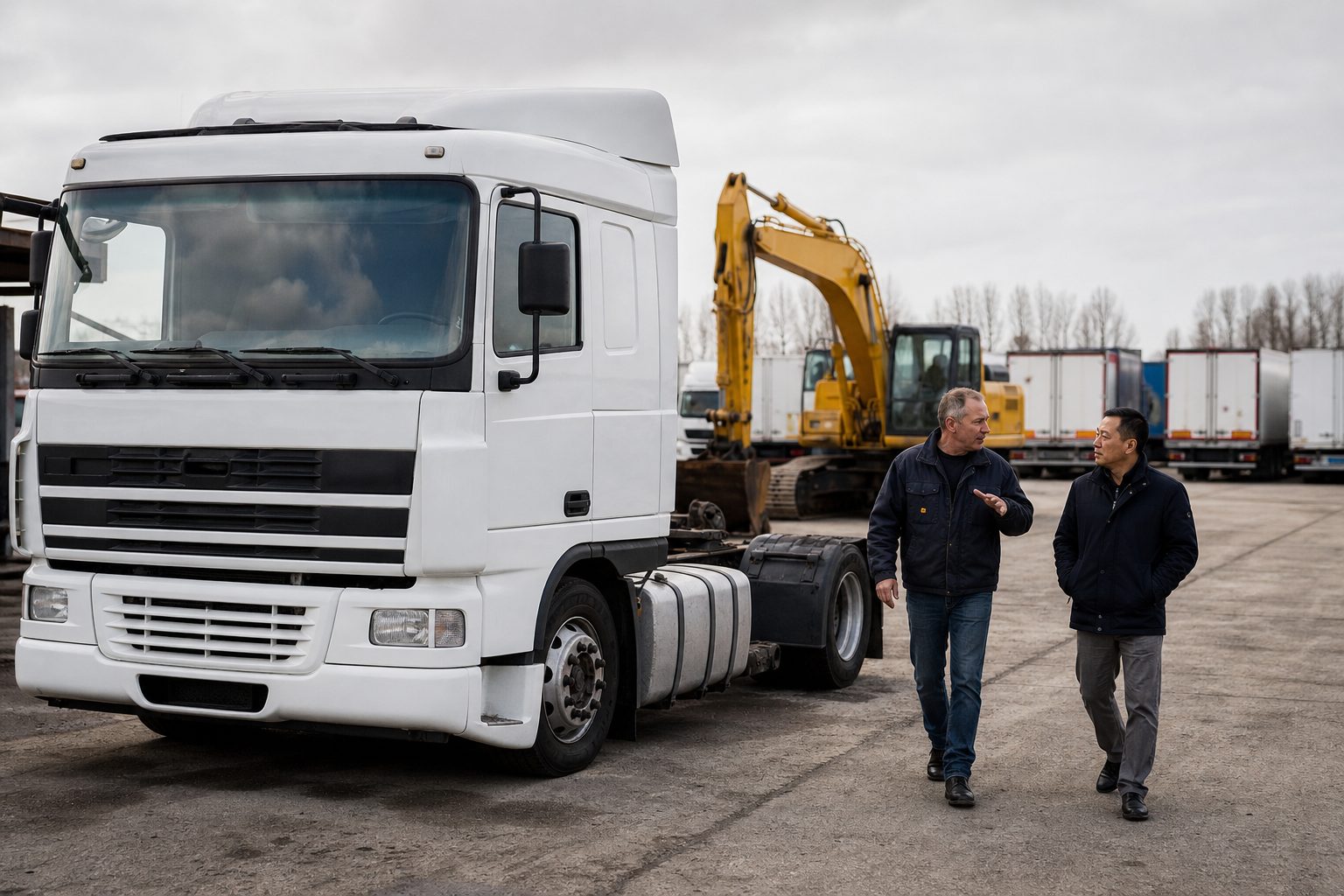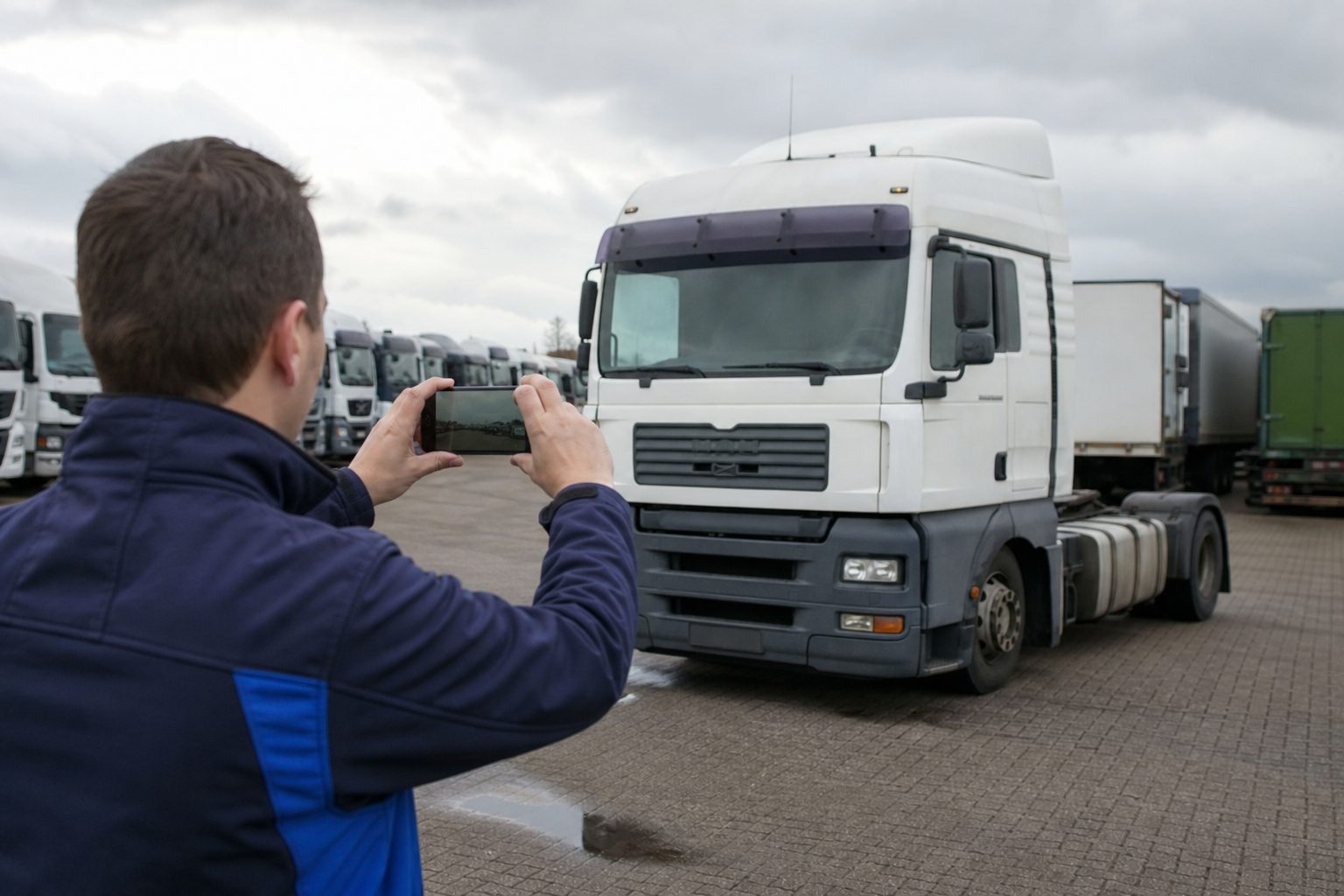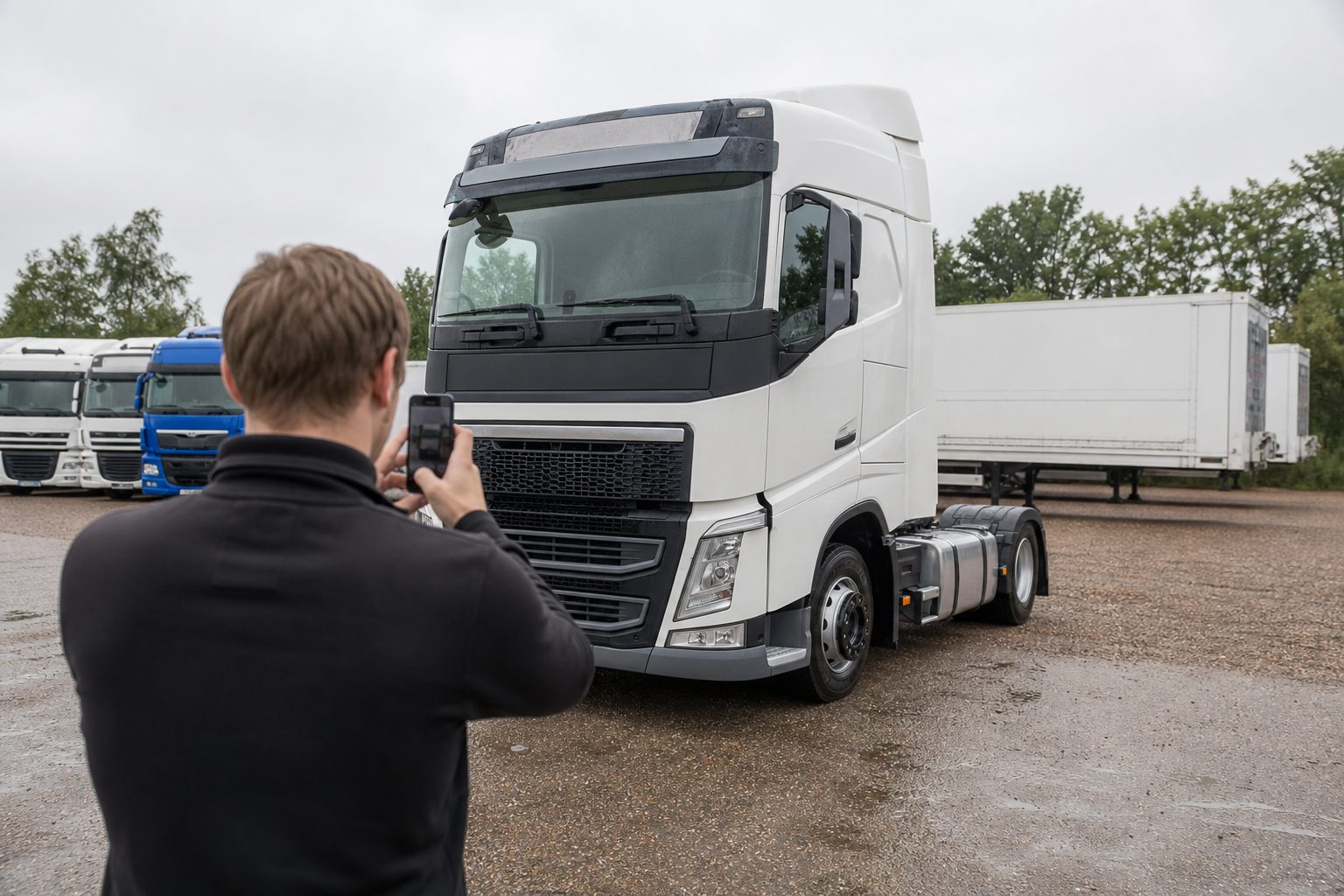
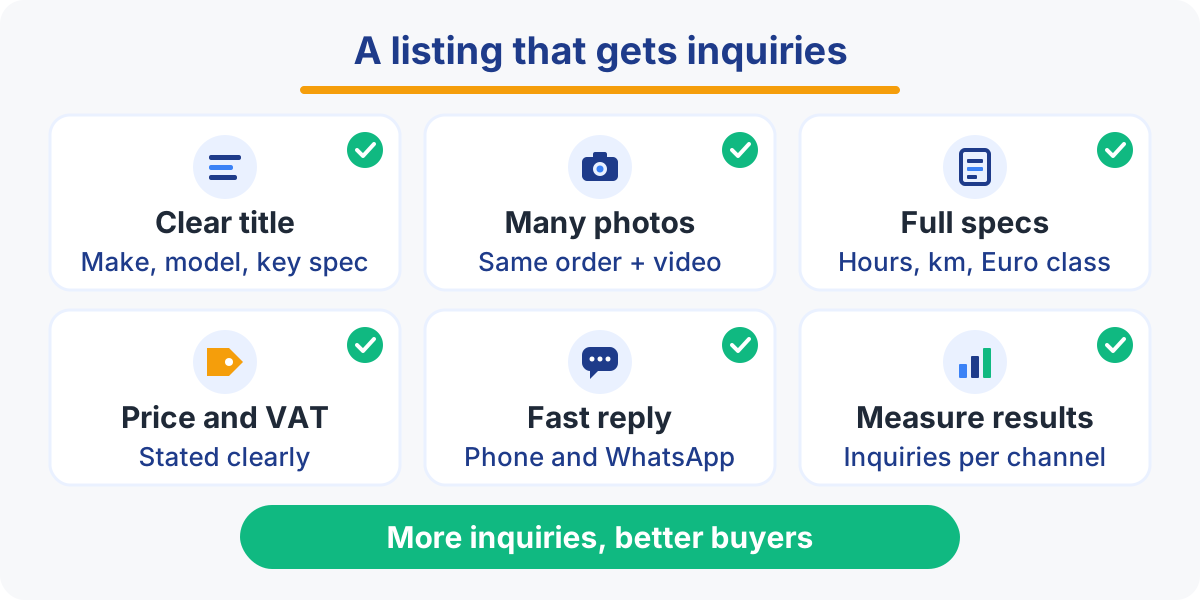
A used truck or machine listing gets more and better inquiries when the title names make, model, year and key spec, the photos follow a fixed order in daylight, the technical data is complete, price and VAT status are clear, and buyers can reach a person fast by phone or WhatsApp.
Key takeaways
- Build every title the same way: make, model, year, then the spec buyers filter on (power, axle configuration, Euro class, hours or km).
- Shoot the same photo sequence for every unit, in daylight, with the odometer or hour meter readable and honest close-ups of damage.
- Show the price with its VAT status, or explain why it is on request.
- Answer fast on the channel the buyer chose, take sold units offline the same day and track which listings and platforms bring deals.
What should the title of a used truck listing contain?
The title should contain make, model, year and the specs buyers filter on, always in the same order, so the listing appears in searches and is understood at a glance.
Buyers scan a results page in seconds. They compare titles, not descriptions. A title such as “Nice truck, must go” tells them nothing, while a precise one answers their first questions before they even click.
A simple formula works for almost every unit:
- Trucks and tractor units: make, model, power, axle configuration, Euro class, year, mileage.
- Trailers: make, type (curtainsider, reefer, low loader, tipper), axles, suspension, year.
- Vans: make, model, body type, length or height, engine, year, mileage.
- Construction, agricultural and handling equipment: make, model, operating weight or lift capacity, year, hours.
An example for a tractor unit: “DAF XF 480 FT 4x2, Euro 6, 2019, retarder”. A haulier sees straight away whether it fits the fleet.
The Euro class is the European emission standard. It decides which low-emission zones a truck may enter and what it pays on some road tolls, so for many buyers it is a hard filter.
Two rules keep titles clean. Use the words buyers type, not internal codes or stock numbers. And drop capitals, exclamation marks and empty claims such as “top condition”: buyers distrust them. Selling points belong in the description, where you have room to prove them.
Which photos sell a used truck or machine?
Photos sell when there are many of them, taken in daylight, in the same order for every unit, with the odometer or hour meter readable and damage shown honestly.
Photos replace the inspection a remote buyer cannot do in person. Nobody crosses several borders for a machine they have only seen in a few dark pictures. Give them the walk-around they would do on your yard, in this order:
- Three-quarter front view (your cover photo)
- Both sides, full length
- Rear, with lights, doors or tail lift
- Cab or operator station, seat and controls
- Dashboard with the odometer or hour meter readable
- Engine bay and identification plate
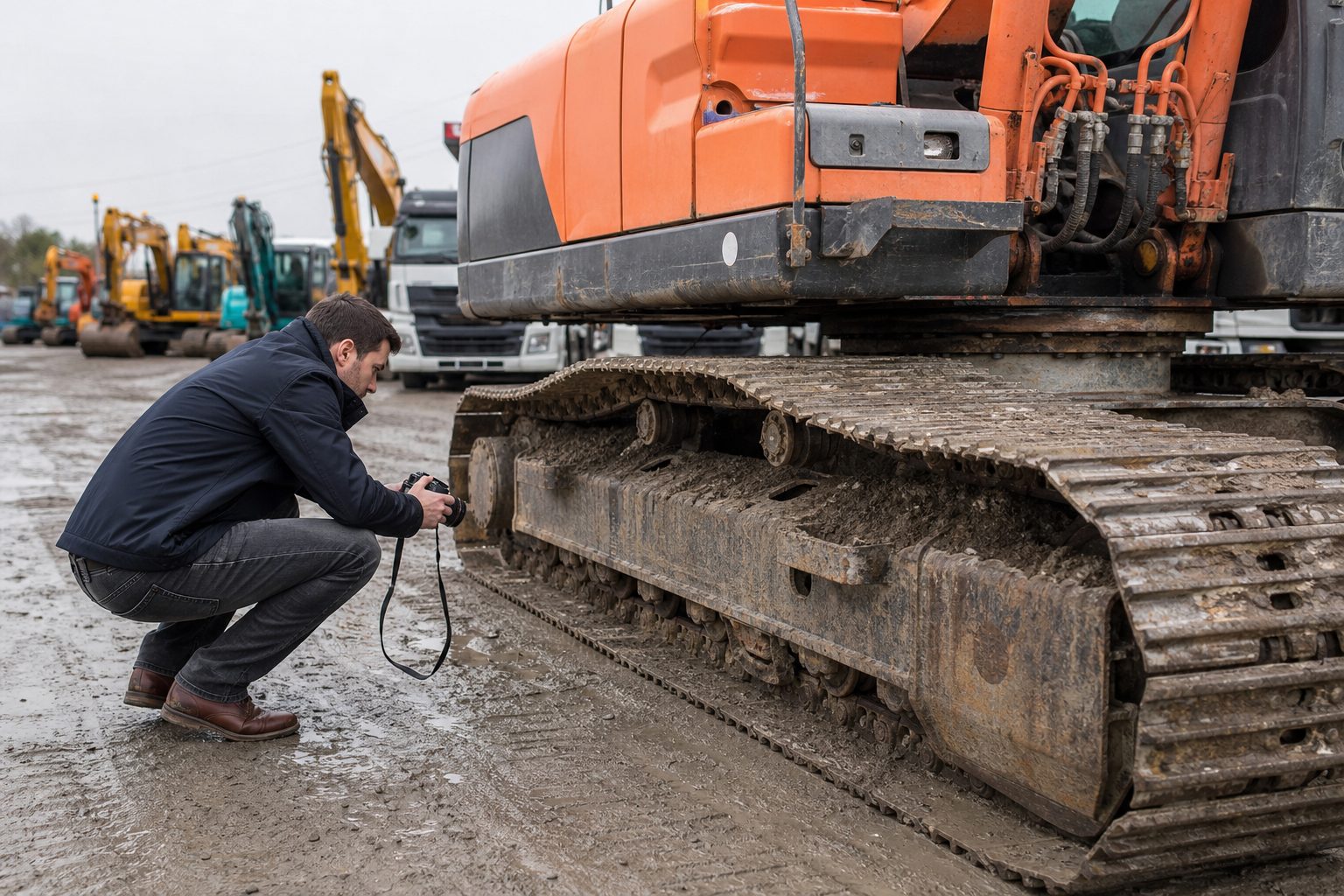
- Tyres or tracks, close enough to judge wear
- Chassis or undercarriage
- Attachments: crane, buckets, implements
- Honest close-ups of dents, rust, leaks or repairs
A fixed order helps buyers compare units and helps your team work faster, because whoever shoots on the yard knows the list by heart. Pick a clean, uncluttered spot and avoid the sun directly behind the vehicle. Wash the unit first: a wash costs less than a listing nobody answers.
Showing damage feels risky, but it filters out buyers who would walk away at the viewing and builds trust with those who stay. A short walk-around video, filmed on a phone while you circle the unit and start the engine, adds what photos cannot: the sound of the engine, smoke at a cold start, the hydraulics moving.
Tip: print the photo order on a laminated card and keep it with the phone or camera used on the yard. Every new unit then gets the same coverage, whoever takes the pictures.
Which technical data do buyers expect in a listing?
Buyers expect every detail they would check before buying: hours or km, emission class, gearbox, axles, PTO, hydraulics, attachments, service history and any inspection or certificate.
Classified platforms let buyers filter on structured fields. Leave a field empty and your unit drops out of filtered searches, however good it is. Fill in every field the platform offers, then repeat the key data in the description.
The core data for each type
- Trucks: km, power, gearbox (manual or automated), axle configuration, suspension, Euro class, retarder, PTO (power take-off, the drive for a tipper, crane or pump), cab type.
- Trailers: axles and axle make, brakes, suspension, floor, roof or curtain condition, tyres, inspection status.
- Construction machinery: hours, operating weight, auxiliary hydraulic circuits (for a breaker or tiltrotator), quick coupler, buckets, undercarriage wear.
- Agricultural machinery: hours, power, PTO speeds, front linkage, hydraulic valves, tyres, guidance system.
- Forklifts: hours, lift capacity, lift height, mast type, fuel type or battery age, side shift.
Service history is the strongest proof of condition. Say who maintained the unit (dealer network, own workshop, independent garage), whether invoices are available and when the last major service took place. Where they apply, add inspection reports or lifting equipment certificates and mention CE marking. For export buyers, say whether you can supply a certificate of conformity and export documents.
Tampered counters make buyers wary of every listing. A sharp photo of the counter, backed by service records, answers that doubt before it is voiced.
Should you show the price or write “price on request”?
Show the price whenever you can, because many buyers filter on price and skip listings without one; keep “price on request” for units whose price really depends on the deal.
A visible price works as a first filter. The buyer who calls already accepts the ballpark and wants to talk about condition, transport or payment. Listings without a price also fall out of searches filtered by price range, and “price on request” tends to attract buyers who are mainly testing your margin.
There are good reasons to hold the price back: a sale tied to a trade-in, a rare machine with no market reference, a batch deal, or a price that depends on the configuration. In that case, say why in the description and invite a quick call.
Always state the VAT status
In cross-border trade, VAT is a real question. A foreign buyer needs to know whether the price is excluding VAT (deductible for a business buyer), including VAT, or under the margin scheme, a regime for second-hand goods where the buyer cannot reclaim VAT. Put it next to the price, every time: “excl. VAT”, “incl. VAT” or “margin scheme, VAT not deductible”. Also say whether the price is ex works, meaning collected from your yard, or delivered. The exact VAT treatment for a foreign buyer depends on factors such as their VAT number, the destination country and the transport, so have your accountant confirm it for each sale.
A price without its VAT status is not a price. It is a question.
An unclear price produces the worst kind of inquiry: a long exchange that ends the moment the real total comes up.
How do you structure the description, and should you translate it?
Structure the description in short blocks a buyer can scan, from condition to availability, and translate it into the languages of your export buyers so they can read it without a translation tool.
Write for a buyer who has several similar listings open side by side. A description that works follows the same order every time:
- Condition: overall state, known defects, what was repaired.
- Maintenance: service history, recent work, tyres or undercarriage.
- Reason for sale: fleet renewal, end of lease, trade-in. A credible reason reassures.
- Availability and location: ready now or after preparation, where it can be viewed.
- Options: transport, export paperwork, finance or leasing, warranty if any.
Skip paragraphs in capitals and lists of every option the manufacturer ever offered. A few honest lines beat a page of copied factory data.
Translations for cross-border buyers
Used commercial vehicles and machines travel far: a Dutch tractor unit ends up in Poland, a Belgian excavator in France, a German forklift in Spain. Automatic platform translations often get technical terms wrong. Translate at least the title keywords and the description into the languages of your markets, and state which languages your team speaks. That last line matters: a buyer who reads “we speak German and English” dares to call.
The conversation after the inquiry deserves the same care. Aéllo Copilot translates messages both ways automatically, so a salesperson can answer a Polish or Spanish buyer in their own language from one timeline. See the follow-up and translation features.
How do you make contact easy and measure what works?
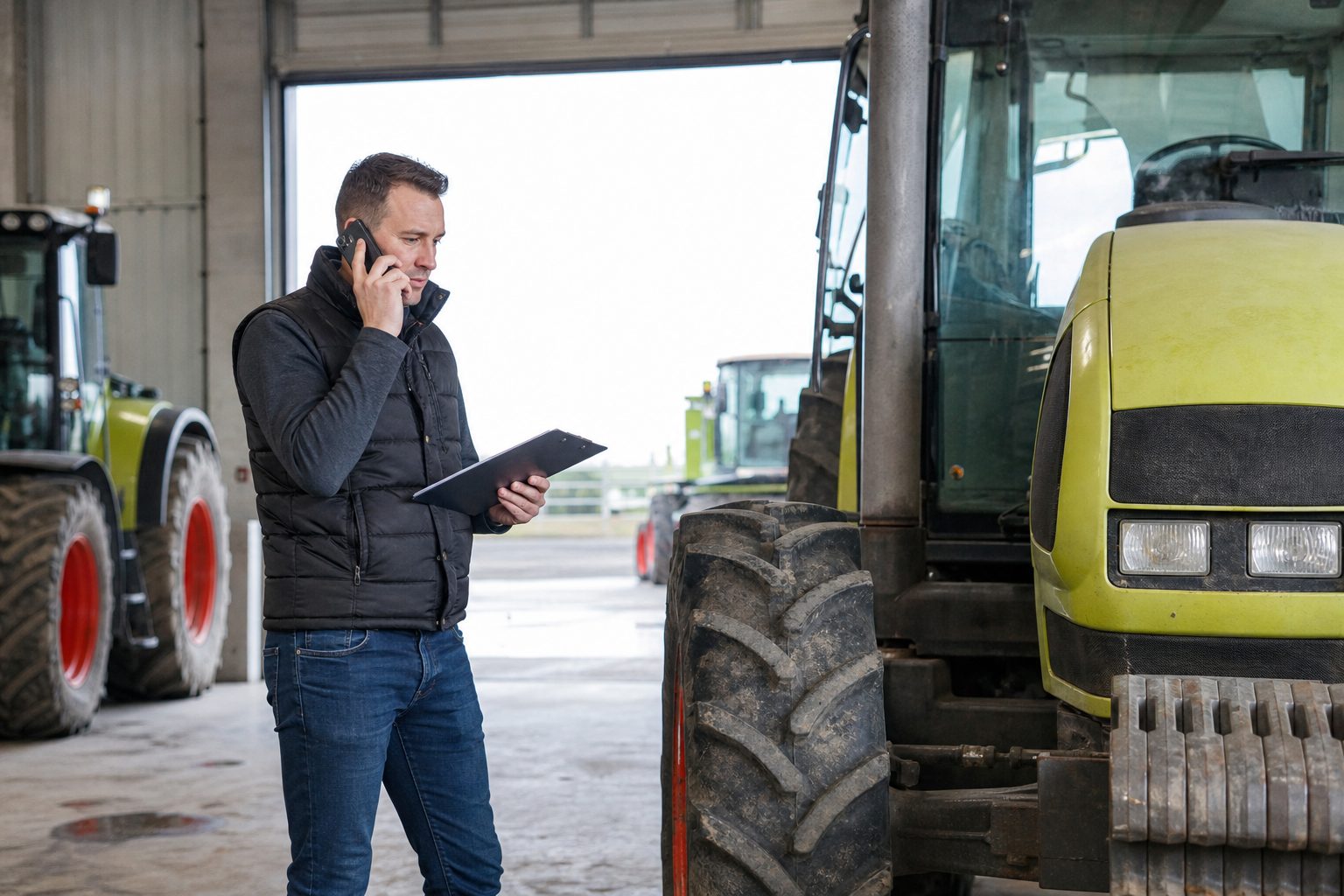
Make contact easy with a direct phone number and WhatsApp, a fast reply and an up-to-date stock, then measure inquiries and deals per listing and per platform to see where your effort pays off.
The best listing is wasted if the inquiry waits until Monday. Buyers often contact several dealers for the same type of unit, and the first useful answer usually wins the conversation.
- Show a named contact, a direct phone number and a WhatsApp number in every listing.
- Reply the same day, evenings and weekends included, when owner-drivers and farmers have time to search.
- Take sold units offline fast. A buyer calling about a sold truck is a disappointed buyer, and ghost listings make the whole dealership look careless.
Updating stock by hand on several platforms is where mistakes creep in. A stock feed connected to your platforms and CRM removes that double work: see how stock and DMS integrations fit in.
Measure inquiries and deals, not views
Views show visibility, not demand. Track per listing and per platform how many inquiries arrive, how many come from real buyers and how many end in a deal. You will see which titles and photos work and which platforms deserve their subscription. Aéllo Copilot gathers emails from the classified platforms, website forms, calls and WhatsApp in one deduplicated inbox and shows performance and cost per lead by marketplace. Test the effect on your own figures with the ROI calculator.
Tip: regularly list the units that have not received a single inquiry. Check the title, cover photo and price first: that is usually where the cause lies.
Use this checklist before every listing goes live:
| Element | Check before publishing | Common mistake |
|---|---|---|
| Title | Make, model, year, key spec, fixed order | Internal codes, capitals, “top condition” |
| Photos | Full sequence in daylight, counter readable | Dark, partial or stock photos |
| Video | Short walk-around with engine start | No video where engine sound matters |
| Technical data | Every platform field filled, service history | Empty fields that drop you from filters |
| Price and VAT | Price with excl. VAT, incl. VAT or margin scheme | “Price on request” with no reason |
| Description | Condition, maintenance, reason for sale, availability, options | One block of text, copied factory data |
| Languages | Title and description in your export languages | Automatic translation only |
| Contact | Named person, phone, WhatsApp, fast reply | Generic email address, slow answers |
| Stock status | Sold units offline the same day | Sold units still online |
Better listings bring more inquiries. Make sure none of them gets lost.